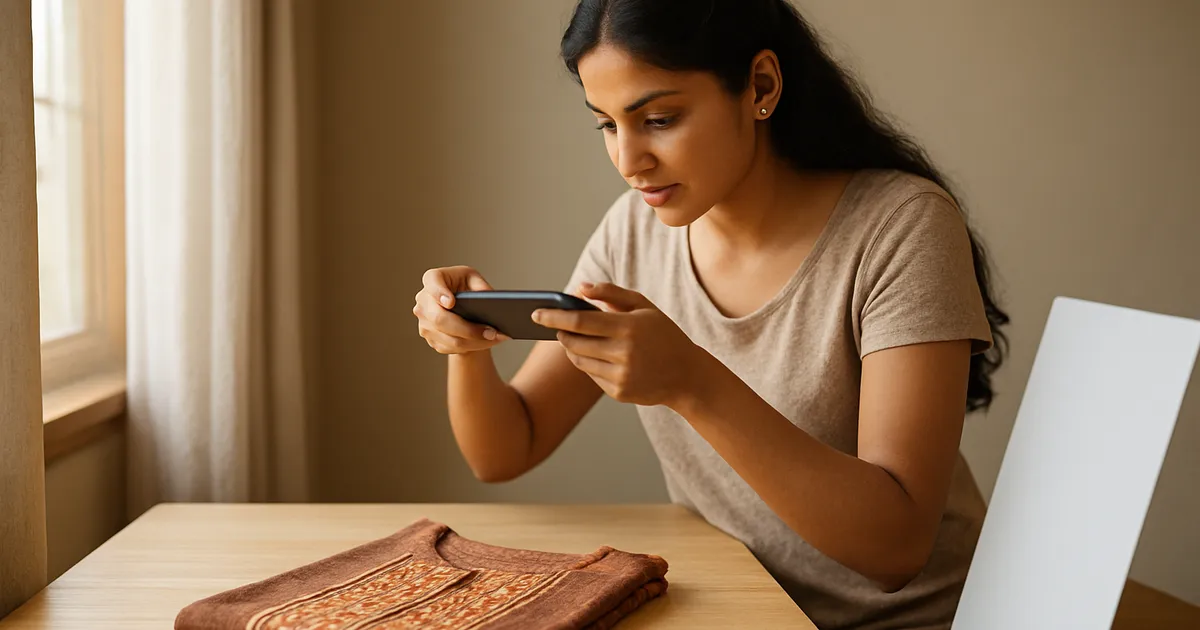
Eight product photo mistakes that make a listing look cheap
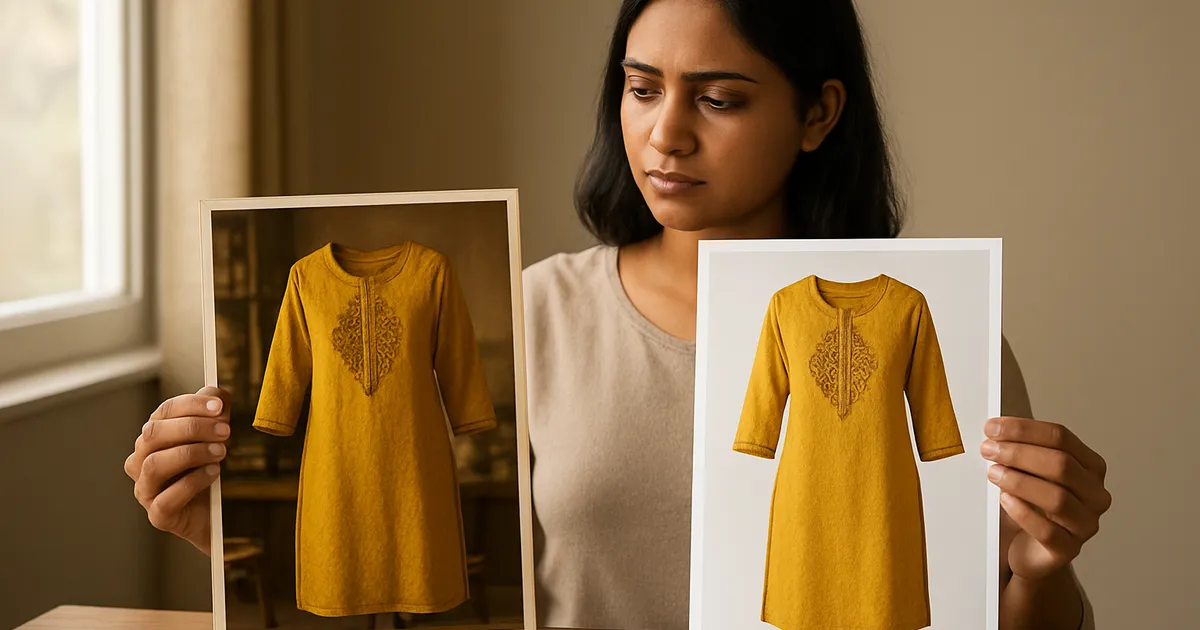
Illustration generated with AI
Buyers decide in a second or two. They scroll past a hundred thumbnails, and the ones that feel untrustworthy get skipped before the title is even read. Often the product is fine and the photo is the problem. These are eight flaws we notice most, each with a quick fix.

1. The product is too small in the frame
A kurti sitting in the middle of a big bed looks tiny in a thumbnail. Fix: crop until the product fills most of the picture. Run the thumbnail test: shrink the image to a stamp and see whether you can still tell what it is.
2. The background is messy
A rumpled bedsheet, a visible floor, a bag in the corner. They pull attention away from the product. Fix: use a plain sheet, smooth it flat and check the corners of the frame. If you cannot reshoot, clean the background in an editor, taking care to keep edges natural.
3. The colour is wrong
Over-saturated photos make a muted dusty pink look like hot pink. The buyer receives a duller product and returns it. Fix: shoot in daylight, turn off filters, and compare the photo with the real item on your phone. When in doubt, a slightly muted photo is safer than a vivid one.
4. Harsh shadows and glare
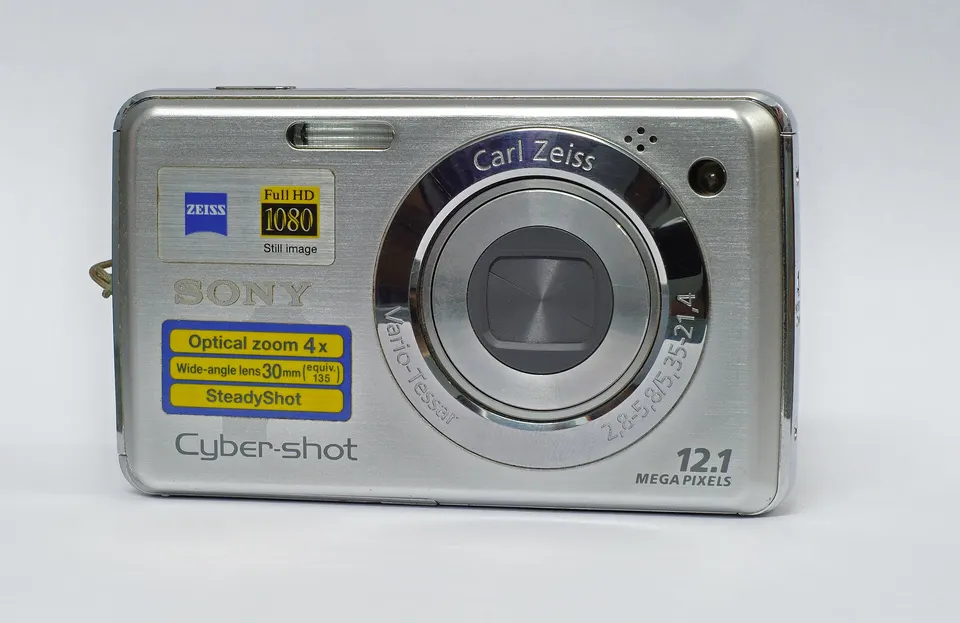
Direct sun, a flash or a strong lamp creates dark patches and bright hot spots, especially on glossy items like jewellery or satin. Fix: move away from direct light, use a thin curtain and add a white card to soften shadows.
5. Wrinkles and a messy product
A creased kurti or a crooked saree fold suggests low quality. Fix: iron or steam the product, smooth it and straighten the edges before shooting. Take a minute to arrange sleeves and hems.
6. Blurry or compressed images
A blurry photo says "something to hide". Compression from messaging apps adds blocky patches around edges. Fix: tap to focus, hold steady or use a tripod, and move originals without sending them through chat apps. A tool like DropCode or a cable transfer keeps the quality.
7. Inconsistent style within a listing
One bright photo, one dark photo, one with a different background. The set looks assembled from different sellers. Fix: shoot every angle in one session under the same light. Apply the same adjustment to each.
8. Missing the images buyers want
If a buyer cannot see the back, a close-up of the fabric or a size reference, they guess, and guessing leads to returns or no purchase. Fix: cover the basics every time: front, back, close-up, detail and size chart. See our post on photos with just a phone for a shooting order.
A worked example: before and after on one listing
Take an old listing for a cotton kurti with one image: a photo on a bed, product small, yellowish light, and the size shown only in text.
Changes we would make:
- Reshoot beside a window on a plain white sheet.
- Crop so the kurti fills the square.
- Add a back view and a fabric close-up.
- Add a size chart image with real measurements.
- Keep the title and price the same for a week.
Then compare views and orders. If numbers move, you know photos were holding the listing back. Write down the before and after figures. That evidence tells you where to spend effort next.
Is a model photo always better?
Not always. A good flat-lay can beat a poor model shot. A model helps buyers judge fit and drape for clothing, but only if the photo is sharp, well lit and honest about the size. If you cannot do it well, a clean flat-lay with accurate measurements is the safer choice.
What about text and badges on images?
A small badge or label can add clarity, such as "Pack of 2" or "Free size". Too much text clutters the picture. Some marketplaces limit what can be placed on the main image, so check the current rules before adding anything. Keep the main image clean and put extra information in the secondary images.
The Meesho Image Creator provides secondary templates with size charts and trust badges, which saves design time. Use them where they add information, and skip them where they do not.
How do you check your own work with fresh eyes?
After editing, leave the photos for an hour and look again on a phone at normal brightness, since your eyes get used to flaws. Compare your main image directly with the top results in your category, side by side in the app. Ask a friend or family member who is not a seller what they notice first. Their first reaction is useful: if they say "it looks dark" or "I cannot see the design", you have your answer. Keep your best listing photos as a reference set, and measure new photos against them. Improvement comes from comparing, not from guessing.
How much does better photography cost?
Very little to start. A plain sheet, a window, a stand for your phone and a white card cost less than a few days of average ad spend. The real cost is the habit of doing it carefully each time. Spending a little more time per product at the beginning usually pays back, because good photos keep working for as long as the listing stays live. If you need to prioritise, improve the photos on products that already get steady views, since those listings turn extra care into orders fastest.
What to do next
Pick your three most viewed listings that rarely convert. Check each main image against these eight flaws and fix the worst one in each. Change only photos for a week and watch the numbers.
FAQs
Which mistake costs the most? It depends on the product, but wrong colour and missing size information tend to cause returns, while a messy or tiny main image causes lost clicks.
Can I fix most of this with editing alone? Some of it, like cropping and brightness. Wrinkles, glare and blur are best fixed at the time of shooting.
How often should I refresh photos? When you notice a problem, when the product changes, or when you find a better setup. There is no fixed schedule.
Image credits: Illustration generated with AI for Infigrow AI, Photo: Out Of Focus City (Unsplash) by Nick Turner nickturner (CC0), via Wikimedia Commons, Photo: Sony Cybershot DSC W210 by Joydeep (CC BY-SA 3.0), via Wikimedia Commons