Meesho image size and quality rules: what actually gets approved
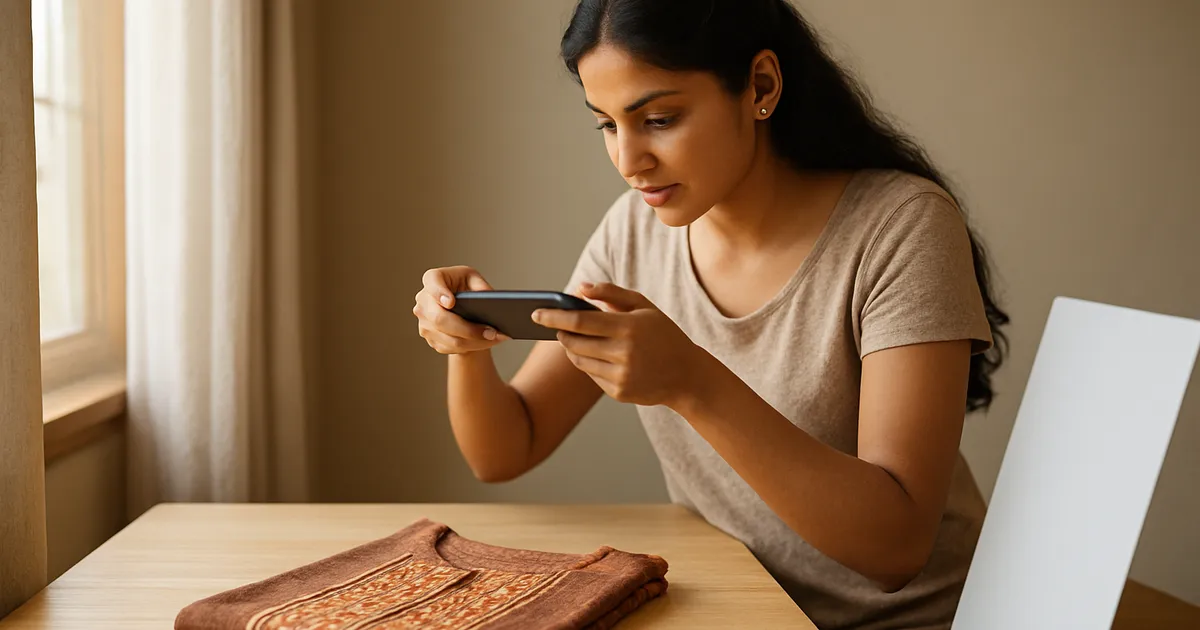
Illustration generated with AI
An image rejection email says "does not meet guidelines" and nothing else. You re-upload the same photo with a small change, wait, and get rejected again. This post gives you a way to test a photo yourself before you upload, so you are not guessing.
What are the exact size rules?
We will be honest: the exact numbers are set by Meesho and they change. Do not trust any blog, including this one, over the guidelines inside your supplier panel. What stays stable are the habits behind the rules.
In practice the images that get through share these traits:
- They are square or close to it.
- They are sharp when viewed at full size, not only when shrunk down.
- The product fills most of the frame.
- There is no text, logo, watermark or border added on top of the main image.
- The file is not tiny. A photo squeezed to a few KB looks smeared.
If your photo has all five, it is already in good shape.
How can you test a photo in two minutes?
Try this before every upload. It needs only your phone.
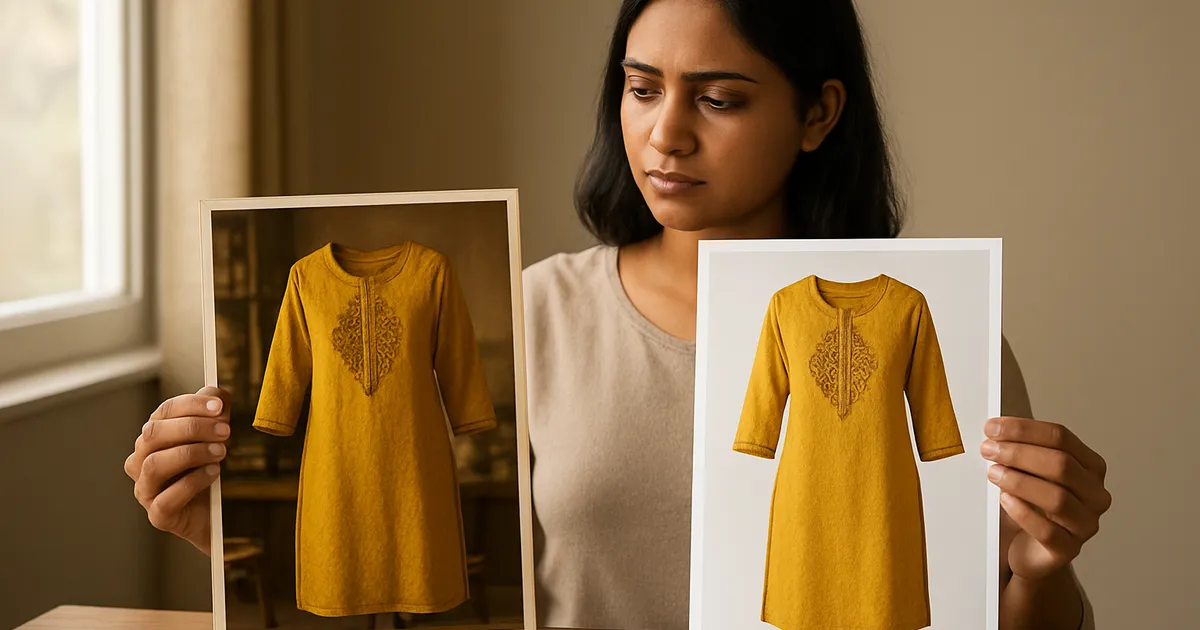
The thumbnail test. Open the photo and pinch it down to the size of a postage stamp. Can you still tell what the product is? If not, the product is too small in the frame. Crop closer.
The zoom test. Zoom to 200 percent on the fabric or surface. If the weave or print turns into mush, the photo is too low in resolution or was compressed by WhatsApp. Go back to the original file.
The edge test. Look at the borders of the picture. Any visible strip of table, floor or another object at the edge needs to go.
The honesty test. Put the photo next to the real product. If the colour is clearly different, expect returns even if the photo is approved. Fix the lighting, not the filter.
Why does WhatsApp ruin your photos?
A common story: a supplier sends photos through WhatsApp, the seller downloads them, and the images arrive soft and small. WhatsApp compresses images unless you send them as a document. Ask your supplier to send originals as a file, or use a tool like DropCode to move files between your phone and your computer without compression.

A worked example: one phone photo to a usable main image
Imagine a photo of a saree folded on a bed, taken at an angle, 3000 by 4000 pixels.
- Crop to a square so the saree fills the frame. You lose some background, which is fine.
- Straighten it. A slanted horizon looks careless.
- Remove the bed from the background, or move the shoot to a plain surface the next time.
- Check brightness. If the saree looks greyer than it is, raise exposure a little, not saturation.
- Export at a high quality setting.
Done by hand, that is a few minutes per photo, which becomes hours for a catalogue. This is the part our Meesho Image Creator handles: you upload one photo and it creates six primary crops and 40-plus secondary variants, and the photos are processed in your browser, not sent to us.
Which quality mistakes do sellers repeat?
Heavy filters. Extra saturation makes the colour wrong, and wrong colour makes returns.
Cluttered backgrounds. A bed, a sofa or a floor drain nearby is distracting. A plain background looks more professional.
Cut-off products. Cropping the hem or sleeve is a very common error, and it makes the item look smaller.
Mixed styles in one set. Photos with different lighting in the same listing make it feel like different products.
Using another seller's photo. It is copyright trouble and it can get your listing removed. Shoot your own.
What about the secondary images?
The extra images do not need to be fancy. A close-up of the fabric, a size chart, the back view, and one lifestyle shot cover most of what buyers want to see. Check that the size chart text is readable on a small screen. If you need to zoom to read it, it is too small.
What should you do when an image is rejected?
Do not re-upload the same file with tiny changes and hope. Read the reason carefully, then check the image against the four tests above. Look for the obvious causes first: text or a watermark on the picture, a cut-off product, a very dark or blurry file, or a mismatch with the listing details. Fix the actual cause. If the reason is unclear, compare your image with an approved listing in the same category and note the differences in framing, background and brightness. If you still cannot find it, raise a ticket with the listing ID and ask for a specific reason. Keep a note of each rejection and its fix, so you do not repeat it next month.
How do you keep your originals safe?
Always store the untouched original of every photo in a folder named by SKU, and keep edited versions separately. Marketplace rules change, and you may need to export new sizes later. If you only have a compressed, cropped copy, you cannot recover quality. Back up your photo folders to cloud storage or an external drive once a week. A lost phone or a failed laptop can erase months of product photography, and reshooting an entire catalogue is a heavy price for a missed backup.
What to do next
Take your three weakest-selling listings and run the four tests above on their main image. Replace the ones that fail. Change only the photo, leave the title and price alone, and watch for a week. That gives you a clean read on whether the photo was the problem.
FAQs
Does a bigger file always mean better quality? Not always, but a very small file is a warning sign. Quality comes from the original resolution and light, and big files made from a blurry photo are still blurry.
Can I use the same image for every colour? No. Each colour should show its own photo. A single image for several colours leads to returns for "colour not as shown".
What if my image is approved but the listing gets no views? Approval only means it passed the checks. Try the thumbnail test again against competing listings in search and see whether yours stands out.
Image credits: Illustration generated with AI for Infigrow AI, Photo: Camera lens Helios 44 M by Dmitry Makeev (CC BY-SA 4.0), via Wikimedia Commons, Photo: Resolution comparison SAR 4 3 Video by PantheraLeo1359531 (CC0), via Wikimedia Commons