How to list a product on Meesho, step by step (and why listings get rejected)
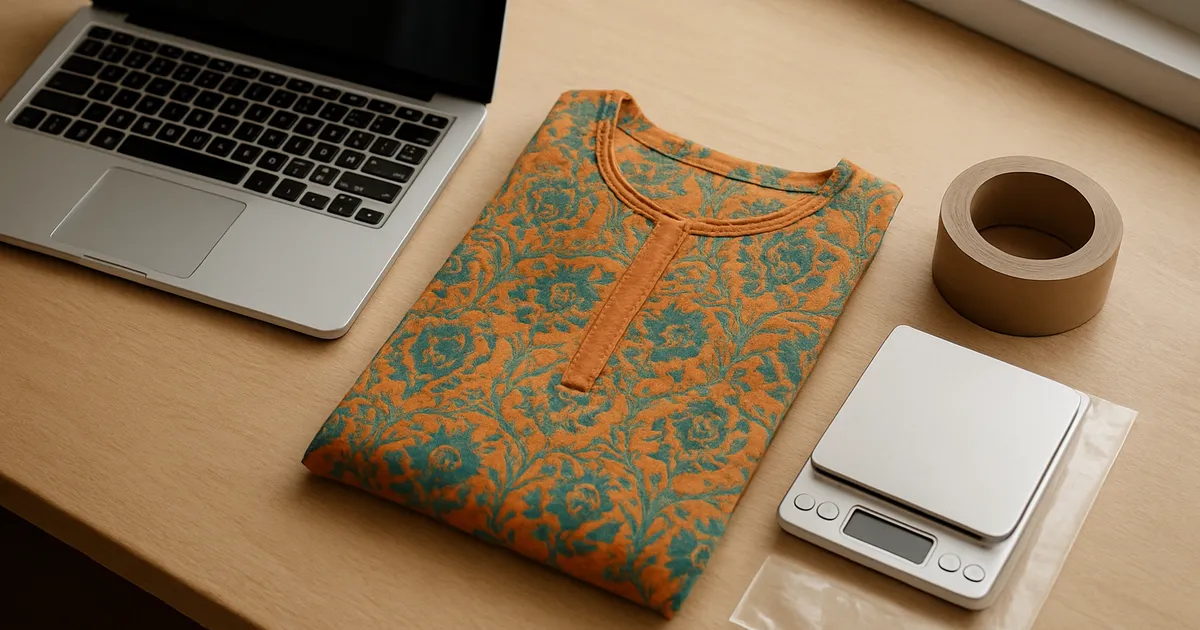
Illustration generated with AI
You have stock, a supplier account, and a product you want to sell. Then the Add Product form shows up with dozens of fields, and one wrong entry means the listing is rejected a day later with a reason you only half understand. This post walks through one listing from start to finish and points out where people usually slip.
What do you need before you open the Add Product page?
Get these ready first, because stopping halfway through the form is how errors creep in.
- Your GST details, if you are registered.
- The HSN code for your product type and the GST percentage that applies to it.
- Product photos that are already cropped and cleaned. We cover the rules in the post on Meesho image size and quality.
- The real weight of the packed parcel, not the bare product.
- A price you have already worked out, including what you lose to shipping and returns.
Write these in a notes file or a sheet. Ten minutes here saves an hour later.
How do you add a product, step by step?
Log in at the supplier panel and choose to add a single product. The order of screens can change when Meesho updates the panel, so treat the following as the usual shape, not a fixed script.
- Pick the category. Choose the narrowest category that honestly fits. A women's kurti goes under kurtis, not under a generic "clothing" bucket. A wrong category usually causes the most confusing rejections, because the required fields change with it.
- Fill the product details. This is where product name, description, brand, colour, fabric and similar fields live. Use plain words a buyer would use.
- Add variations. For clothing this means sizes, and sometimes colours. Each variation gets its own SKU ID and stock count.
- Set price and tax details. Enter GST percentage and HSN code. Check the price once more here, because it is the field people regret.
- Upload photos. The first image matters most. Follow the image rules strictly.
- Add weight and dimensions of the packed item. Use the packed weight.
- Submit and wait for review. Watch for the status and a rejection reason if one appears.
A worked example: one cotton kurti
Say we are listing a printed cotton kurti in sizes M, L and XL, in one colour.
- Category: kurtis.
- Name: a simple descriptive one, like "Printed Cotton Straight Kurti for Women". No capital-letter shouting, no list of random keywords.
- Variations: M, L, XL, each with its own SKU, such as KURTI-001-M, KURTI-001-L, KURTI-001-XL.
- Packed weight: if the kurti weighs 220 g and the polybag adds roughly 15 g, we enter the packed figure and not 220.
- Price: decided before opening the form, written on paper.
The point of the SKU pattern is boring but useful. When an order comes in for KURTI-001-L, you know the design number and the size without opening anything.
Which mistakes get listings rejected?
These are the ones we see again and again. Not every rejection is about these, and Meesho's own rejection message is the final word.
Photos that break the image rules. Watermarks, text across the photo, collages in the main image, or a very dark picture. Fix the photo, not the form.
Mismatch between photo and details. The photo shows a red kurti and the colour field says maroon, or the title says cotton and the fabric field says rayon. Keep them identical.
Wrong or missing HSN or GST. If you are not sure, check with your accountant. Guessing here can cause trouble later with tax, not only with the listing.
Brand names you do not own. Writing a famous brand in the title or description to get clicks is a fast way to a rejection or a warning.
Weight too low. An unrealistic weight leads to a correction by the courier and a charge you did not plan for.
Copying a competitor's text word for word. Duplicate content can be flagged, and it makes your listing look the same as everyone else's.
What should you do after the listing goes live?
Do not move on to the next product yet. Search for your own listing the way a buyer would, on a phone. Look at the first image in the small thumbnail, because that is what people see in search. If you cannot tell what it is in two seconds, the photo needs work.
Then wait a few days before changing anything, so you have something to compare against. Changing price, photo and title together makes it impossible to know what worked.
How can you list the second product faster?
The first listing is slow because you are learning. The fortieth should not be. Most fields repeat across a category: brand, return policy, GST, HSN, country of origin, and many dropdowns. Typing them 40 times is where mistakes come from, such as a wrong HSN on listing number 27.
This is the reason we built the Meesho Listing Autofill extension. You save a profile once for a category and fill it with one click, then change only what differs, like the name, colour and photos. Even if you never use it, the principle holds: write the repeating fields down once and copy them, never retype from memory.
What to do next
Pick one product you already have, gather the checklist items above, and list it carefully. Then open your own listing on a phone and look at it as a buyer. Fix what you would not trust yourself. After that, start on the image rules, since photos cause more rejections than any other field.
FAQs
Can I list products without GST? It depends on the category and on your registration status, and the rules have changed over time. Check the current requirement on the supplier panel or with an accountant before you list.
Why was my listing rejected when everything looks right? Open the rejection reason and read it literally. Most are about the photo or a mismatch between two fields. If the message is vague, compare your listing with an approved one in the same category.
How long does approval take? It varies, from a few hours to a few days, and we cannot promise a number. If a listing is stuck for many days, raise a ticket from the supplier panel.
Image credits: Illustration generated with AI for Infigrow AI, Photo: Kurti cloth 01 by Bhaiyaji Smile 123 (CC BY-SA 4.0), via Wikimedia Commons