How to share a file or text instantly without signing up: six DropCode situations
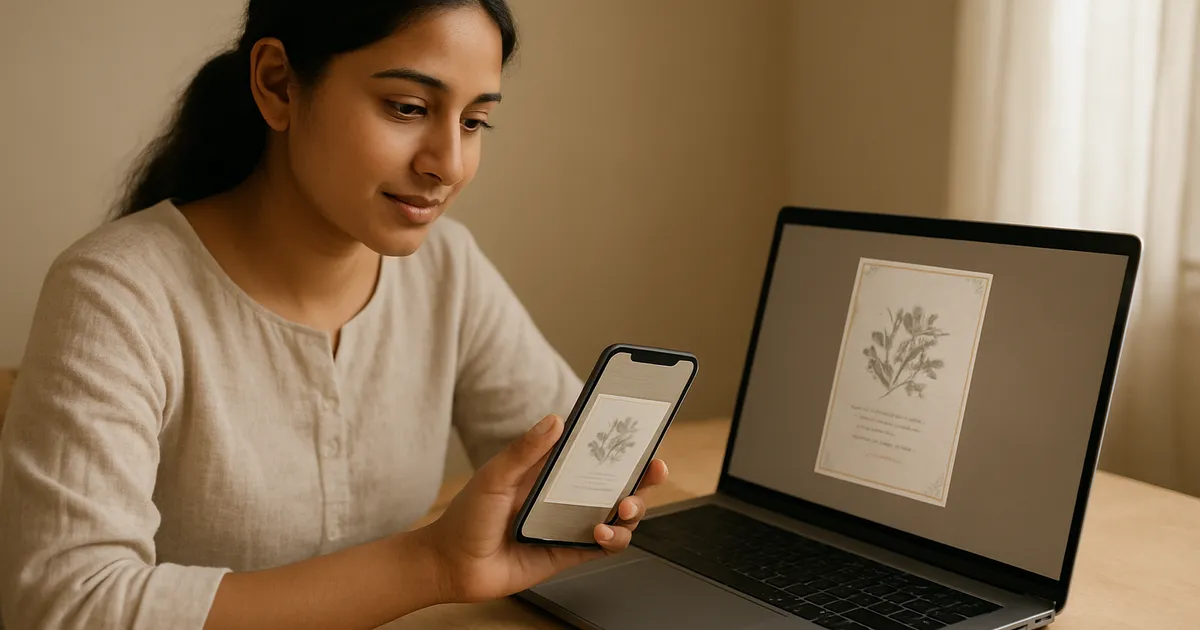
Illustration generated with AI
Moving a file from your phone to a computer should take ten seconds. It often takes ten minutes: find the cable, log in to email, wait for the upload, receive the compressed version. DropCode exists for this small, constant annoyance. You put something in, get a four-character code, and open it anywhere.

How does DropCode work?
You open the tool, choose text, a photo or a file, add your content and get a short code. On another device, you open DropCode, enter the code and the content appears. There is no account and no app to install. Drops delete themselves after about a day, so it is a hand-off tool and not a place to store things.
It is meant to feel more like passing a note than uploading a file.
Situation 1: phone photo to shop computer
A customer sends a design reference to your phone. You need it on the computer where your design software is installed. Open DropCode on the phone, drop the photo, read the four characters, type them on the computer and download. No cable, no cloud login on a shared machine.
Situation 2: sending a file without WhatsApp compression
WhatsApp reduces image quality unless you send the file as a document, and not everyone knows to do that. For a print file or a product photo where sharpness matters, use a method that keeps the original. A short code lets the other person download the file as it was.
Situation 3: logging in on someone else's computer
You are at a cyber cafe or a friend's laptop and need a paragraph of text or an address from your phone. Typing a long email login on a public computer is risky. Drop the text from your phone, type the code on the computer and copy it. Never log in to personal accounts on public machines when you can avoid it.
Situation 4: giving a quote or price list to a helper
Your helper in the shop needs the day's price list. Instead of messaging every number, put the list in a text drop. Or start a room: a live space where up to nine people can join with a code and see what you post. It suits moments when several people need the same information at once.
Situation 5: moving a PDF to a printer
A PDF made at home needs to go to the print shop's machine. The shop does not want your email password and you do not want to find a USB drive. Drop the PDF, tell the shop the code and they download it. This works for invoices, forms, labels and similar documents.
Situation 6: handing over a one-off link or note
An address, a Wi-Fi password, a tracking link. These are short pieces of text that people tend to read out slowly or misspell. A text drop avoids transcription errors, as the receiver can copy and paste.
A worked example: a print shop afternoon
You design a sticker sheet on your office computer at 3 pm. The customer wants to see it on a phone at real size. You drop the file, enter the code on your phone and view it. The customer asks for a colour change. You edit, drop the new version, get a new code and send it. Each round takes about a minute and nothing sits in anyone's inbox.
When should you not use DropCode?
Be careful with anything private. Anyone who has the code can open the drop while it exists, so treat the code like a key and do not post it publicly. Do not use it for sensitive documents such as ID proofs, bank statements or passwords. Also, it is not a backup or a storage service, since drops expire.
If a file is very large, check the size limit and compress it first.
How is this different from email or cloud drives?
Email needs an address, an inbox and often a login. Cloud drives need accounts and permission settings. Chat apps compress media and keep a permanent copy in a thread. DropCode trades permanence for speed and simplicity. Use the right tool for the job: a drive for things you keep, email for formal records and DropCode for quick hand-offs.
Habits that make quick sharing safer
Short-lived sharing is convenient, so build a few habits around it. Share the code only with the person who needs it, and send it in a private message, not in a group or a public post. Open the drop yourself on the receiving device to confirm it worked, then do not reuse the code. Rename sensitive files so the file name does not reveal personal details. If you accidentally dropped something private, remember that it will expire, but do not rely on that alone: avoid sharing documents like identity proofs in this way at all. Keep a copy of important files on your own device, because drops disappear.
Can a team use it daily?
For a small team, agree on a few simple rules. Use DropCode for temporary hand-offs only, and keep finished work in a shared folder or drive. Name files clearly before dropping them, so the receiver knows what they got. Say the code out loud or send it privately. And once the receiver confirms, you are done, and the drop clears itself. These small rules keep quick sharing from turning into a mess of half-remembered codes and lost files.
What to do next
Next time you reach for a cable or a WhatsApp message to yourself, try DropCode instead. Test it with a harmless file first and see whether it fits your routine. Open the DropCode tool and send a short text between your phone and your computer.
FAQs
Is DropCode free? Yes, with no sign-up needed.
Can someone guess my code? Codes are short, which is what makes them quick to use, so do not use DropCode for private material. Because drops expire, exposure is limited, but treat the code as shared knowledge.
What happens after a day? The content is deleted. If you still need the file, keep your own copy.
Image credits: Illustration generated with AI for Infigrow AI, Photo: Man with smartphone and laptop (Unsplash) by Alejandro Escamilla alejandroescamilla (CC0), via Wikimedia Commons